Course Module - Vocab
Vocabularly is the foundation of each chapter in German Lingo. Instructors build out each module using the vocabulary as a baseline, however, for each chapter you are able to view the vocabulary stand-alone and practice your understanding, separate from course modules.
Select a vocabulary module, which is the first module in each chapter
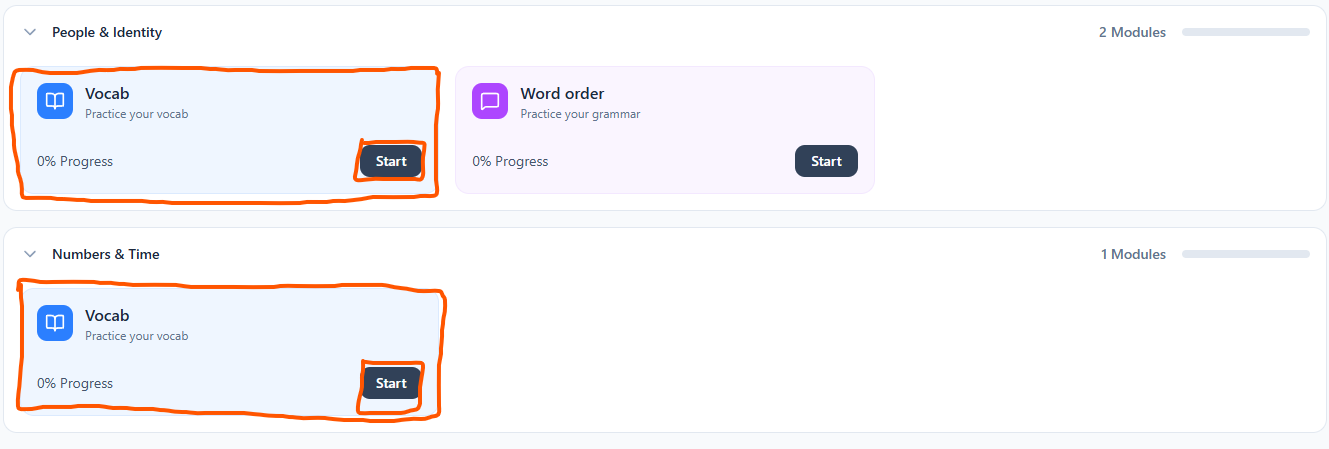
Selecting "Start" will bring you into the vocabulary module.
List
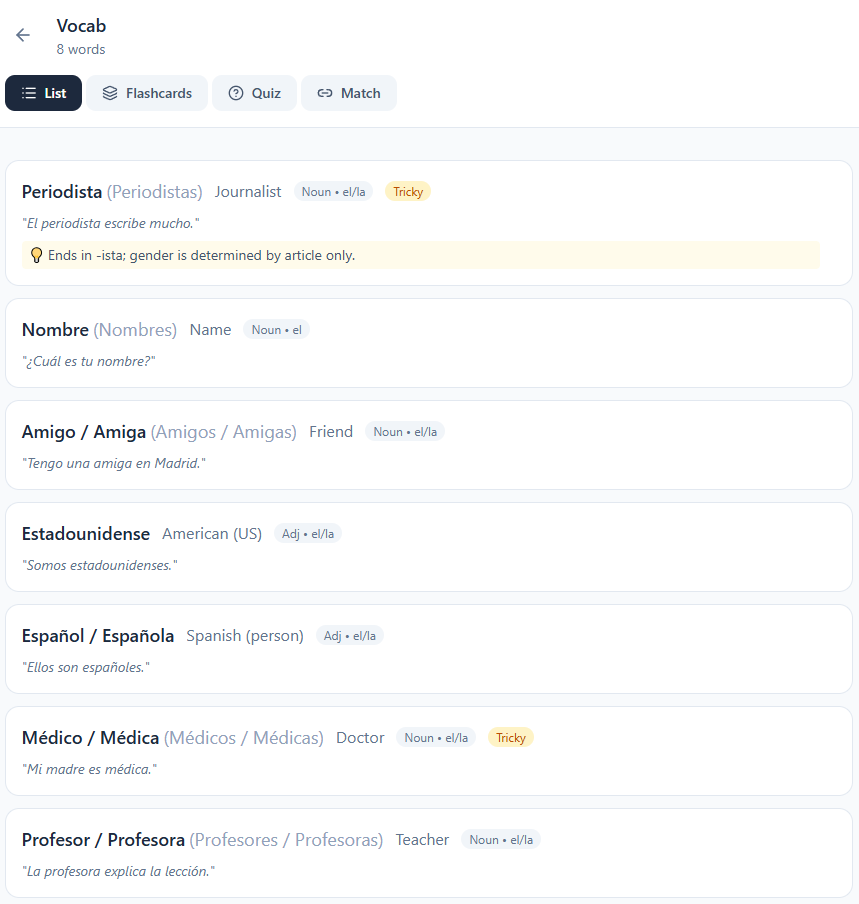
Below is the first view, "List". This view lists all of the vocabulary within the chapter. (The list below is from a Spanish course. German Lingo will eventually be changing to support learning a wide variety of languages.) This view displays the word, the native translation, the type of word, the plural form of the word, and also an example sentence. Instructors can also provide tips for words and mark certain words as tricky (For example, Periodista and Medico/Medica).
Flashcards
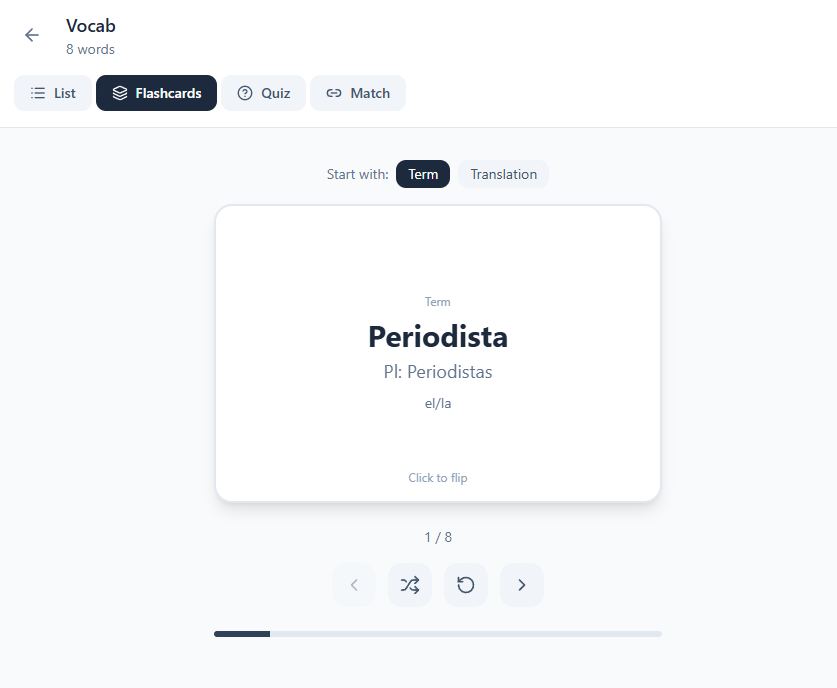
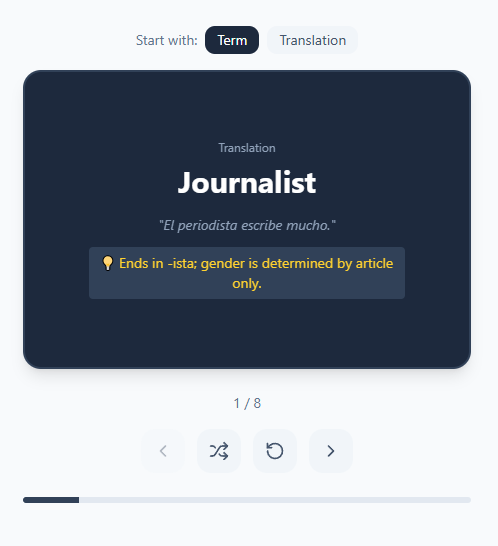
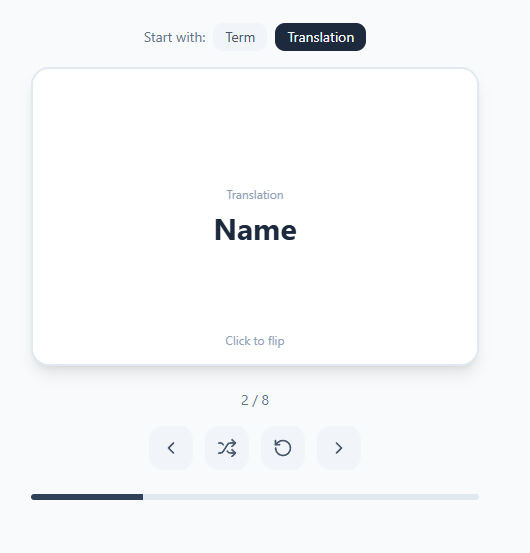
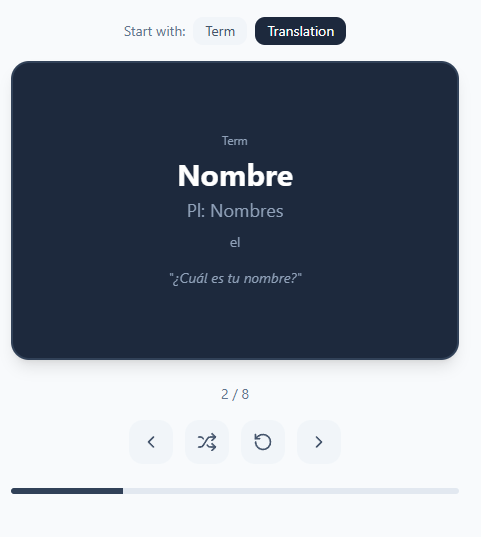
Below is the second view, "Flashcards". This view takes all the chapter vocabulary and puts them into a flashcard format. You have the option to start with the term or native translation. Clicking the card to "flip" reveals the translation or term, depending on what you're starting with. Below the flashcards, you have the option to shuffle the cards, reset and start at the beginning, and to move between the cards left or right.
Quiz
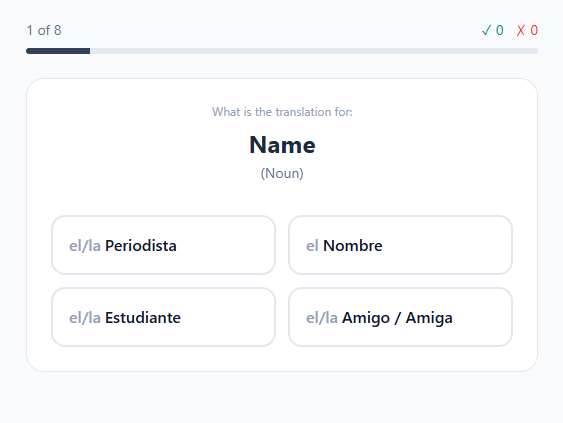
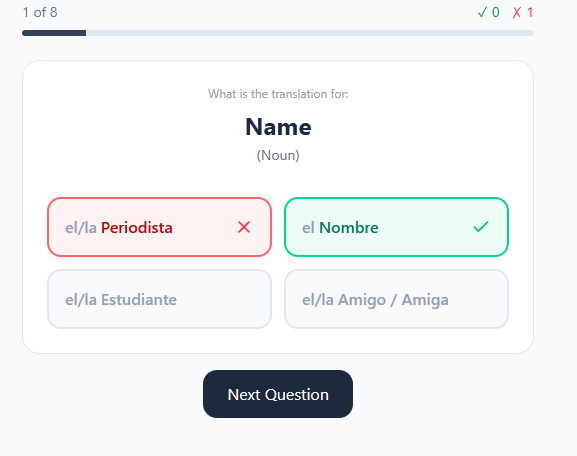
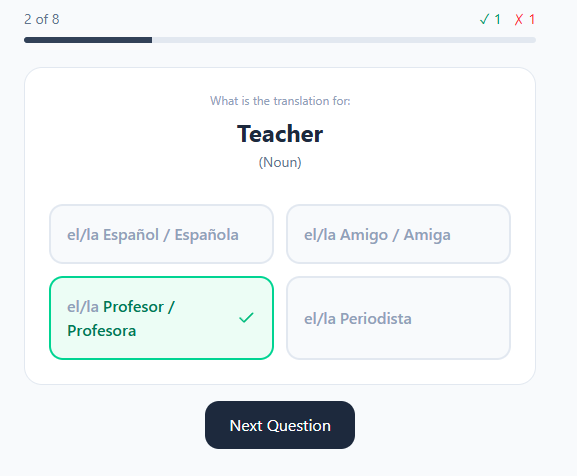
The third option "Quiz", allows you to take a multiple choice quiz on the vocabulary words for a chapter. You'll be asked to select the correct translated word for its native equivalent. The options will be made up of other words from the chapter. Selecting the correct answer will reveal that it is correct. Selecting the wrong answer will also reveal that it is wrong. As you complete the quiz, you will be able to see how many questions you have gotten right or wrong.
Match
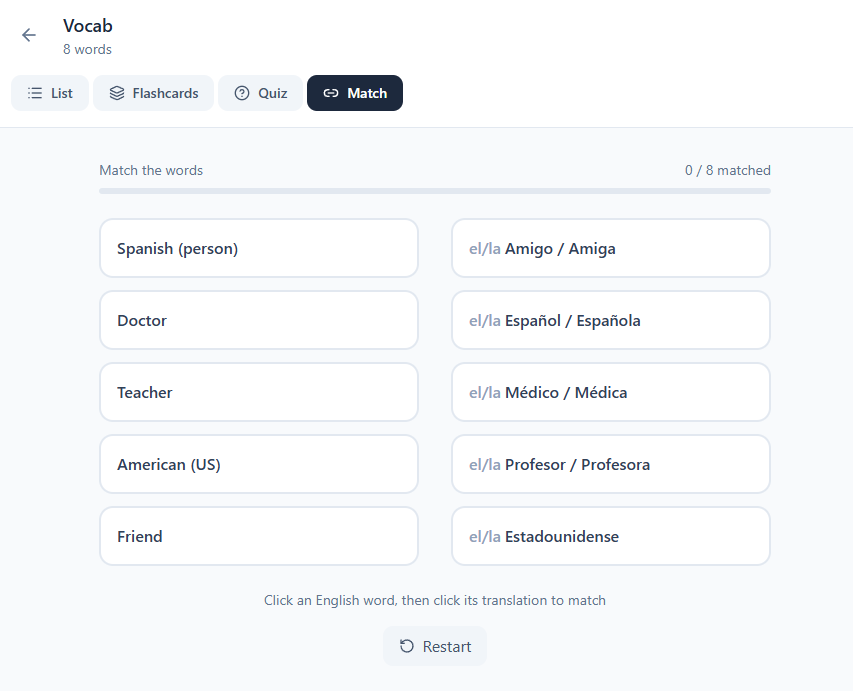
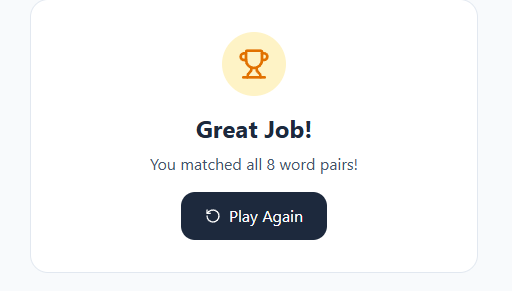
The fourth option, "Match" is a practice activity allowing you to match words with their native equivalent from the chapter vocabulary. A correct match will disappear and allow another pair of words to appear. To complete the activity, all pairs must be cleared. At the end. after all pairs have been matched correctly, you will be met with the end screen.