
Course Page
Selecting a course along the navigation bar or from the dashboard will bring you into it. Below is the view of a test course. At the top right is your instructor's name, the course name, a description, and the active term.
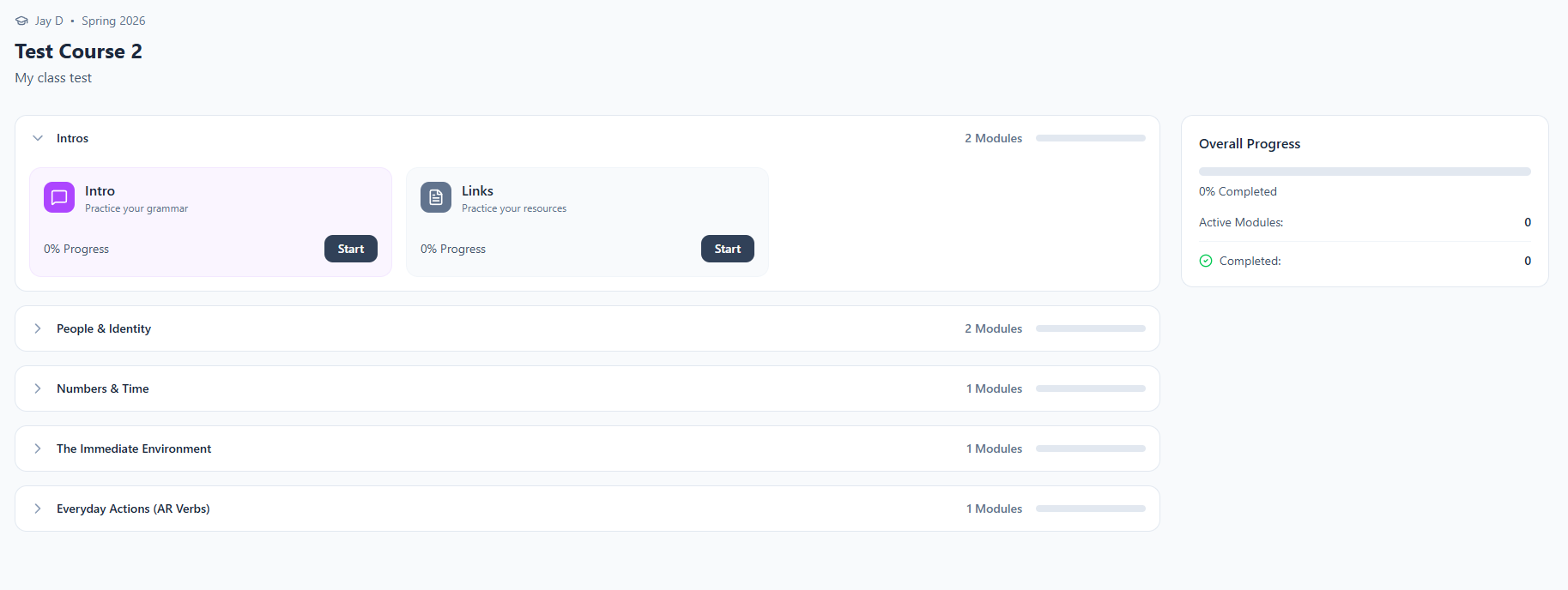
In the course page, you will see all the chapters that are available to you and modules within each chapter that your instructor has created for you to complete. To work on a module, select "start".
Progress made in modules will contribute to the "overall progress" bar on the right-hand side.