
Student Dashboard
The student dashboard is the default page available to you when accessing German Lingo. It is also the default page of all user accounts when signing in for the first time.
The student dashboard is pictured below. If you are enrolled in courses, they will be available to you under "Your active courses"
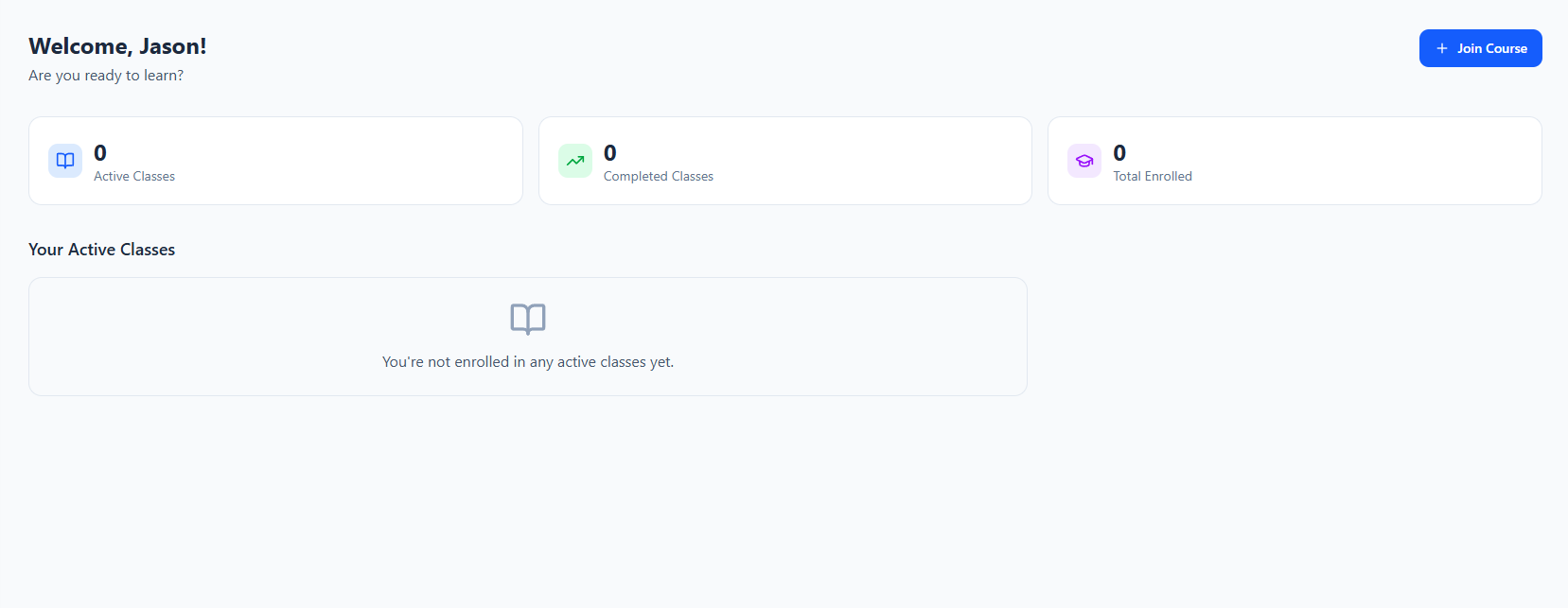
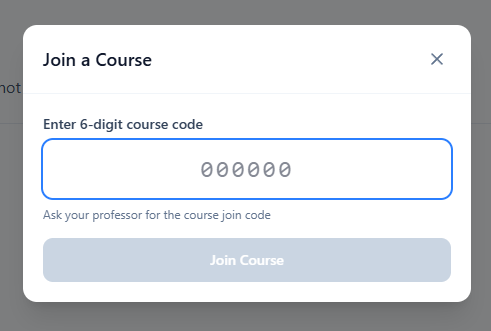
To join a course, select "Join course" at the top right, and enter the code provided by your instructor. You must have a code from your instructor in order to join a course with this service.
If you are in a course, it will look like the one below:
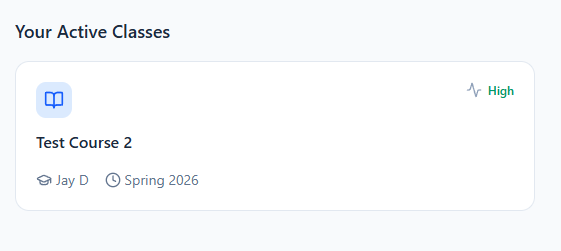
Selecting your course will take you straight to the course page. The dashboard shows your activity in the course, the course name, the professor, and the term.